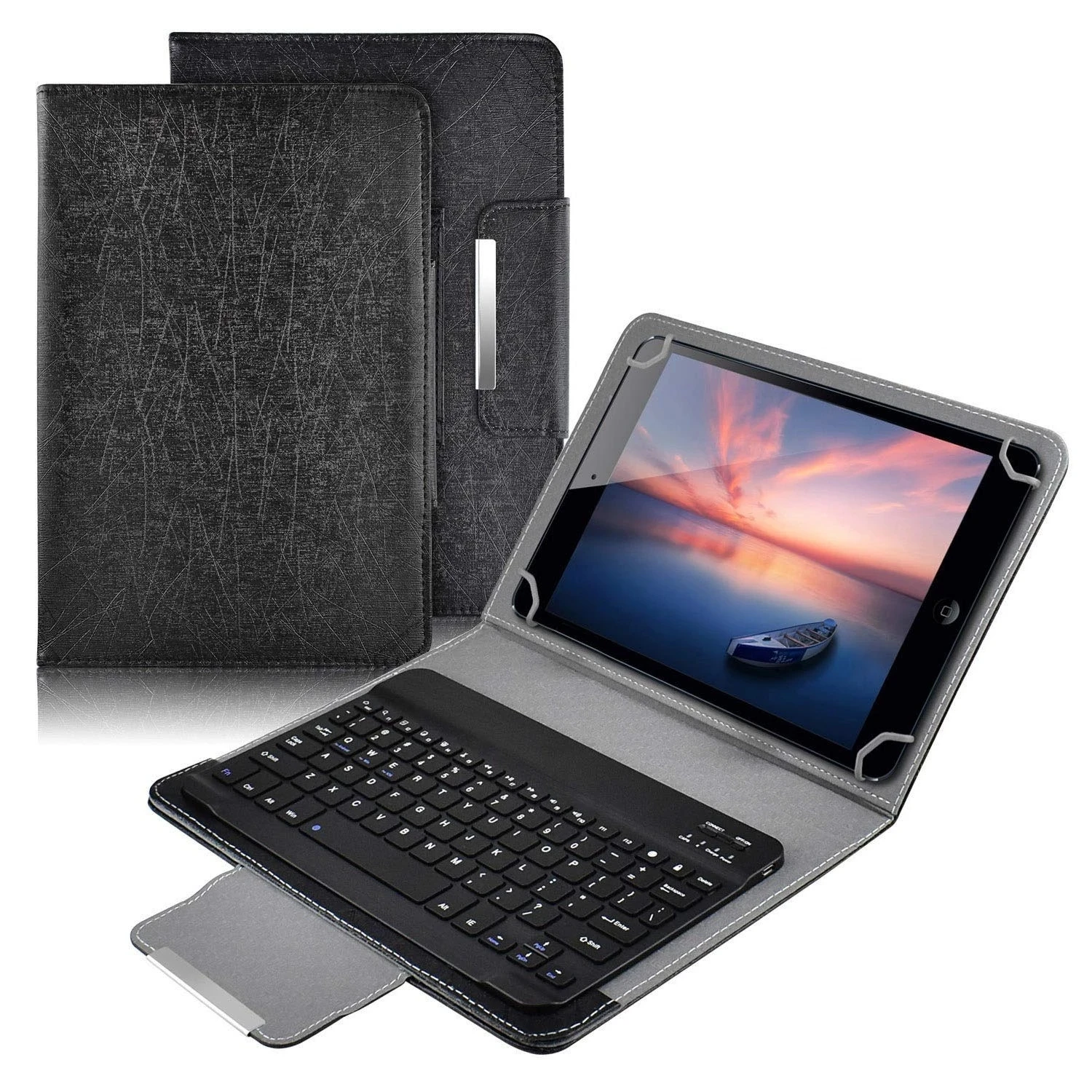
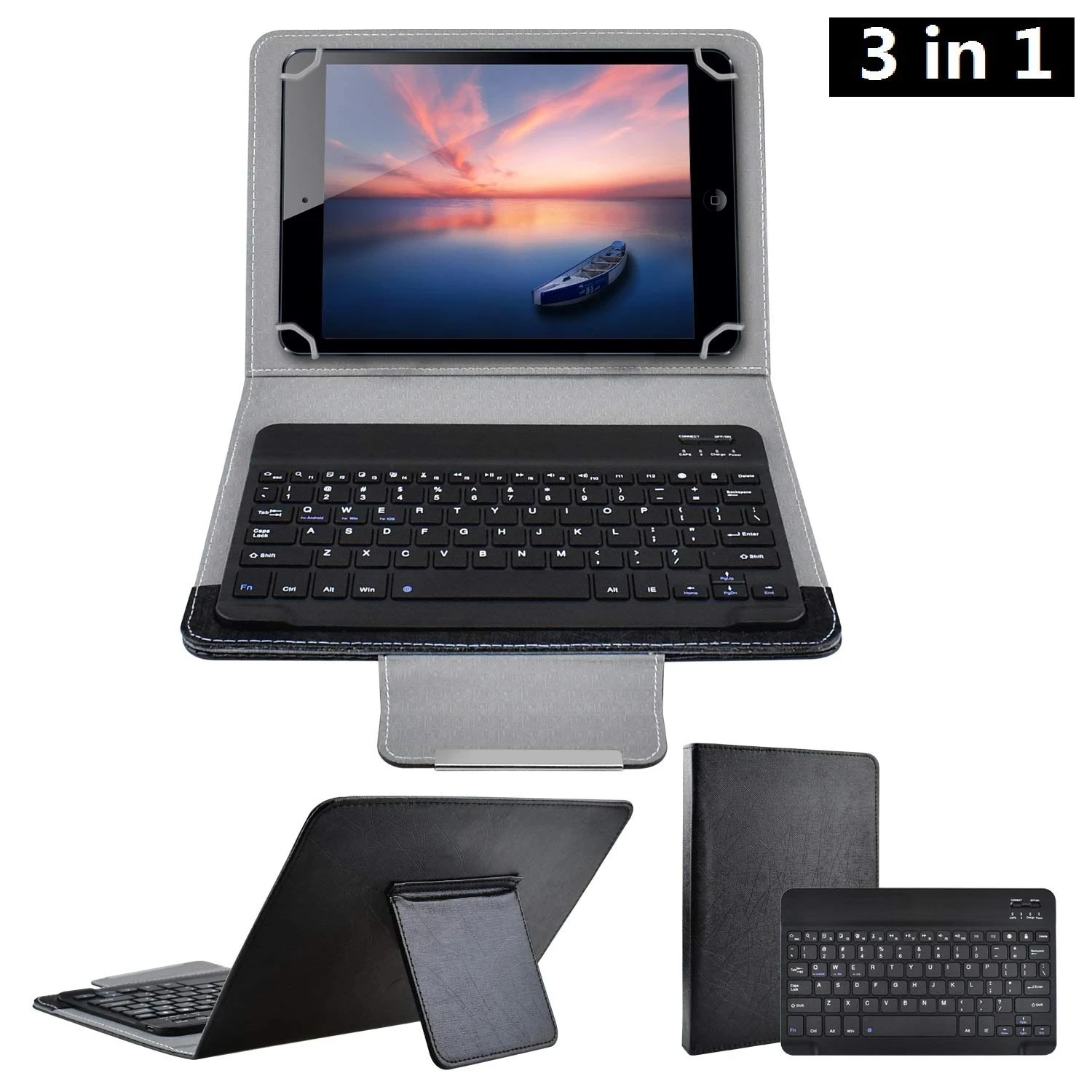
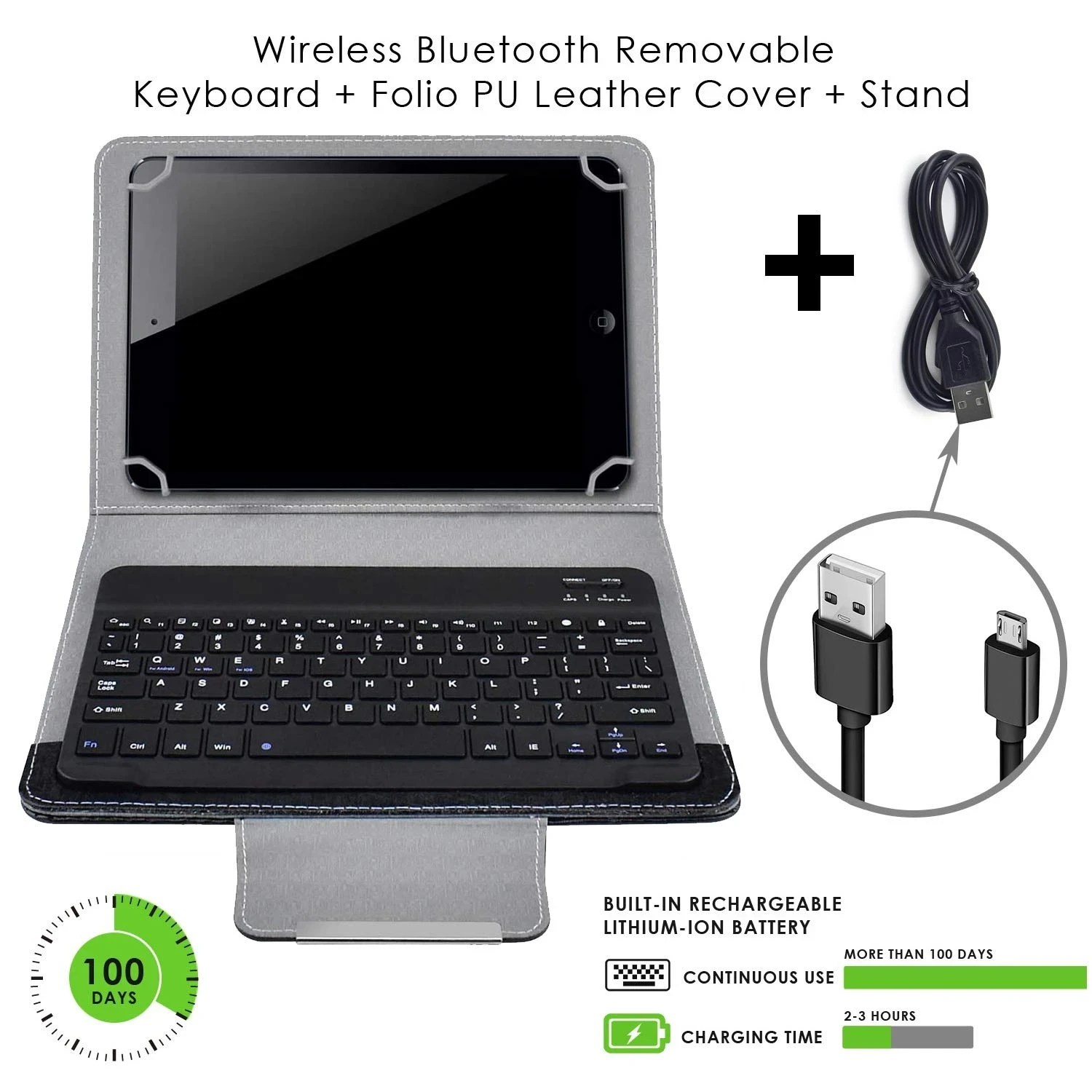
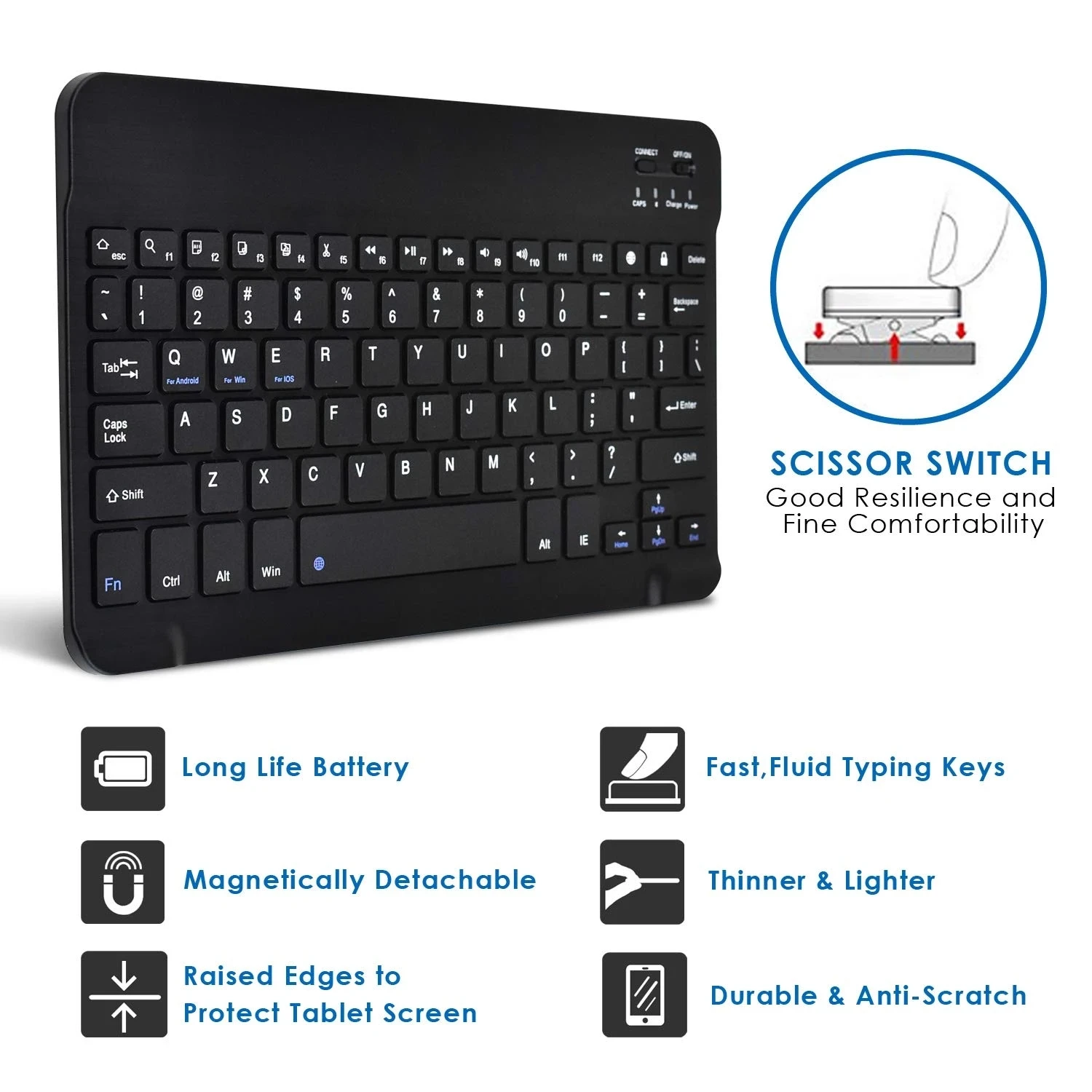
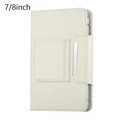
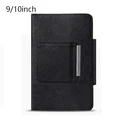
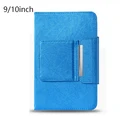
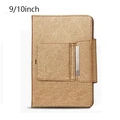
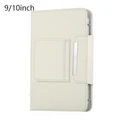
📶 Wireless Bluetooth Keyboard for Tablets - PU Leather Case Stand Cover
💎 Enhance your tablet experience with this efficient and stylish Wireless Bluetooth Keyboard, perfectly designed for screen sizes ranging from 7 to 10 inches, compatible with iOS, Android, and Windows operating systems. This premium accessory not only provides excellent functionality but also adds a touch of sophistication to your tablet with its luxurious PU leather exterior.
🔧 Features:
- Superior Quality: Crafted from 100% new, high-quality materials, this tablet case ensures durability and longevity.
- Fashionable Design: The sleek and modern design makes it easy to put on and take off, allowing for effortless device styling.
- Perfect Fit: Precision engineering ensures a snug fit that contours perfectly to your device’s shape, providing full access to all ports and buttons.
- Durable & Washable: The materials used in this case are both durable and washable, ensuring a clean and pristine look even after regular use.
- Robust Protection: Guard your tablet against dust, scratches, and shock with this reliable protective cover, helping to maintain the integrity of your valuable investment.
🛡️ Instructions for Use:
- Activate the ON/OFF key.
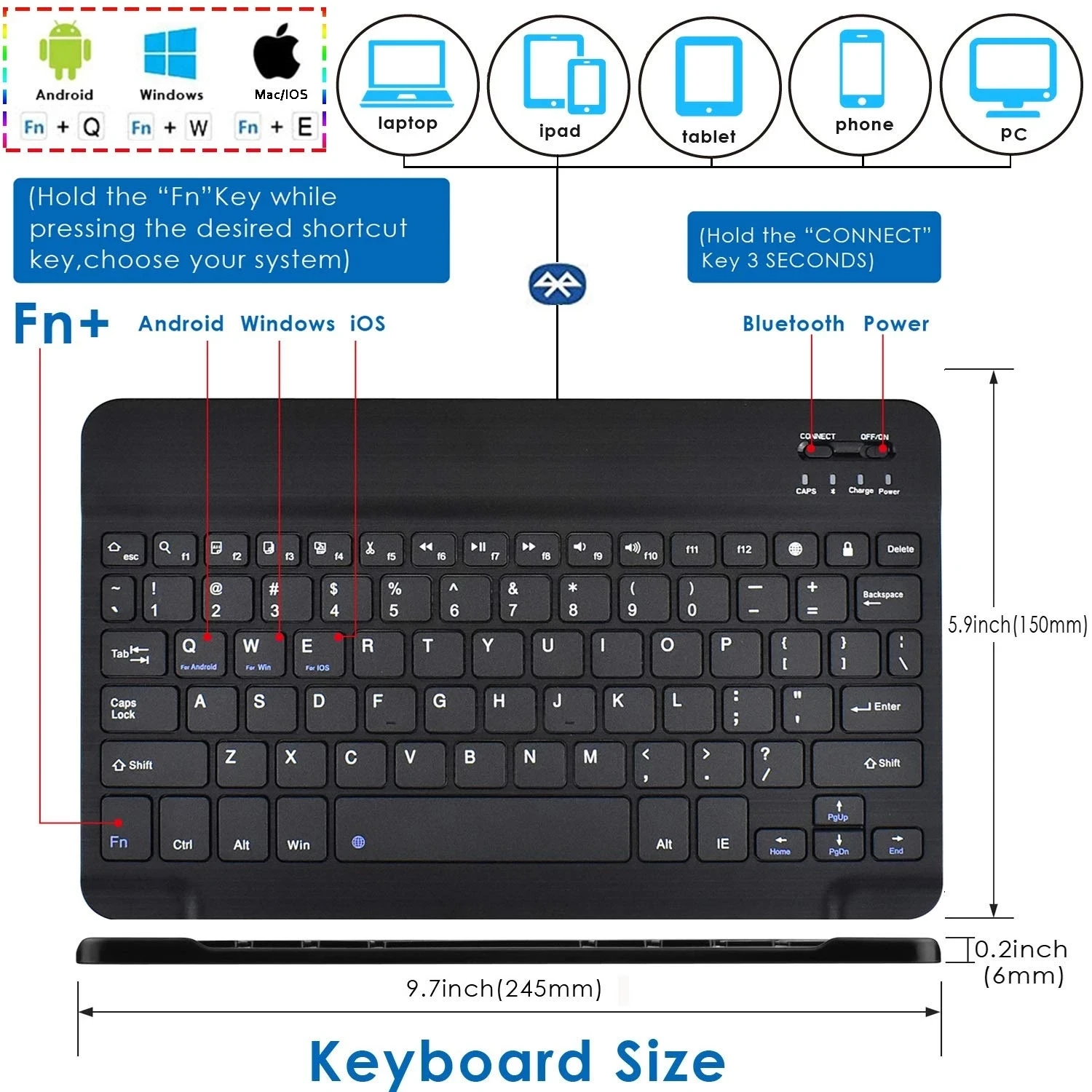
- Long-press the CONNECT button until the Bluetooth indicator starts to flicker.
- Switch on your tablet's Bluetooth function and search for available devices. The default name for the keyboard case is Bluetooth 3.0 Keyboard.
- Select Bluetooth 3.0 Keyboard from your device's list of Bluetooth options. A four-digit password will pop up; enter this code using the keyboard. For example, if the password is 0807, type it in and press the Enter key to establish the connection.
🔘 Note: For functions such as F1-F12, press the Fn key in conjunction with the appropriate function key. Use Shift + Alt + Space Bar to switch between alphabets effortlessly.
📶 Experience the convenience of wireless typing and elevate your tablet usage with this Bluetooth keyboard that seamlessly combines function and elegance.