4.1 Google Shopping Valutazione Oltre 2 milioni di clienti dal 2013 Con sede in Europa Ordine di consegna gratuito terminato €30+
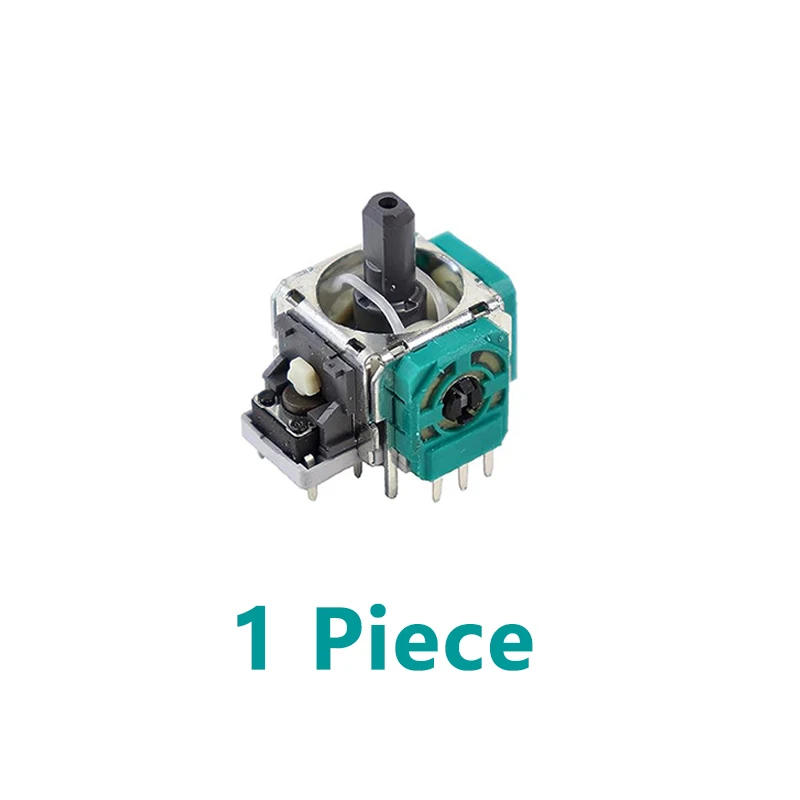
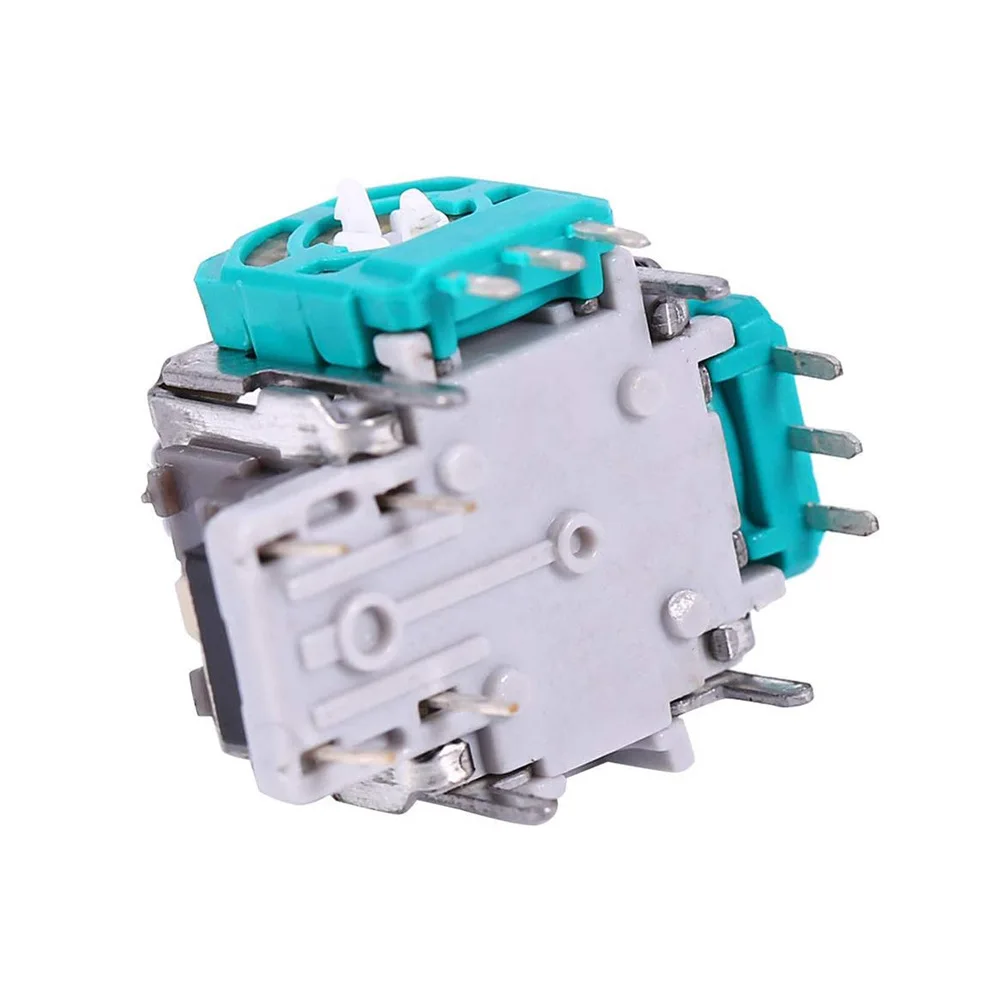
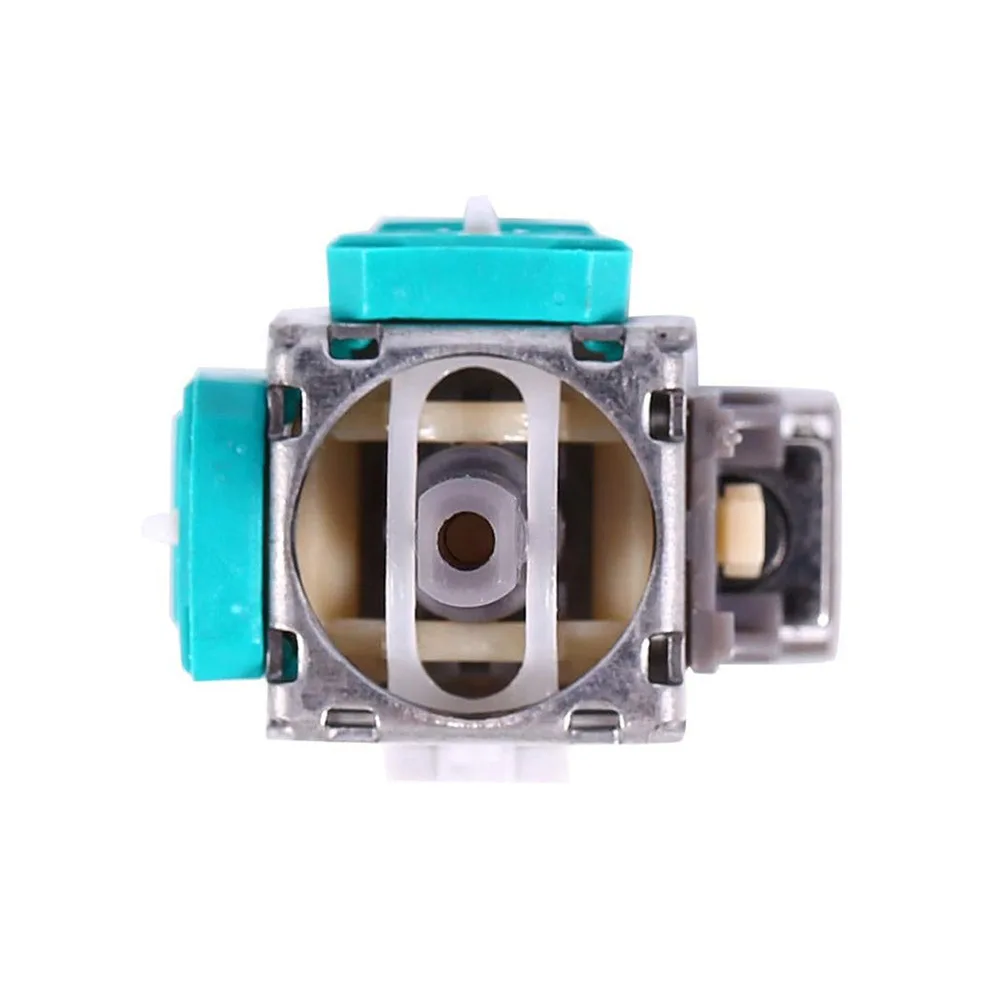
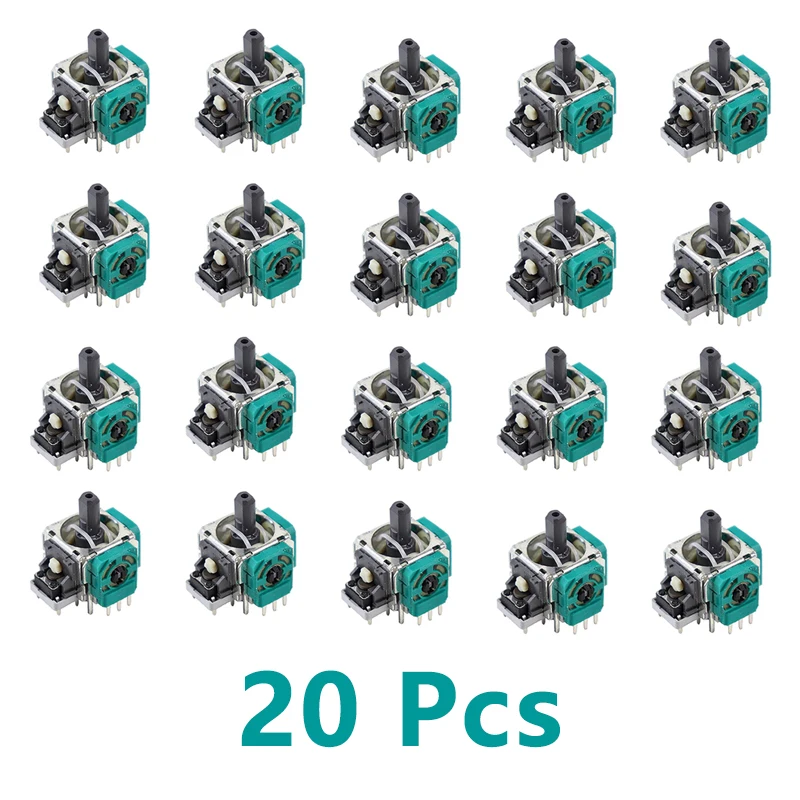
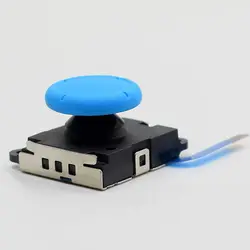
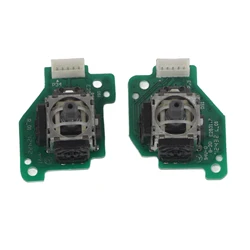
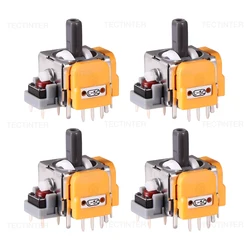
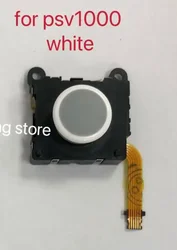
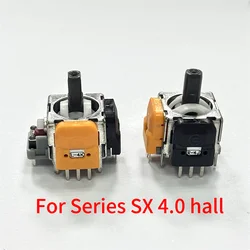
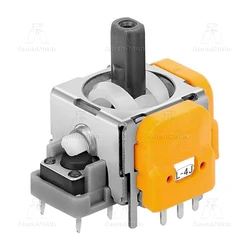
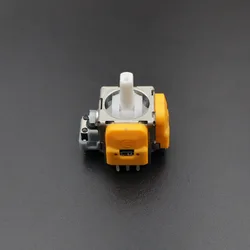
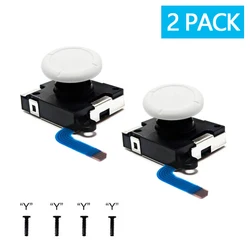
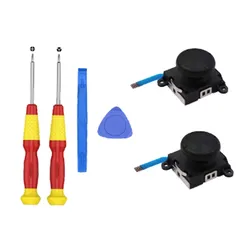
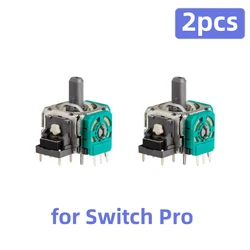
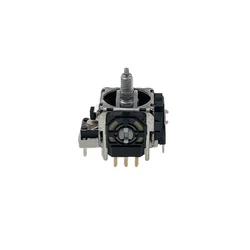
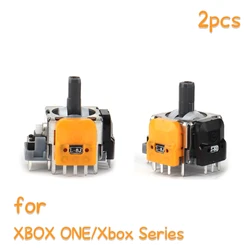
Enhanced 3D Replacement Joystick (Only 1 piece)
Colore: Only 1 piece
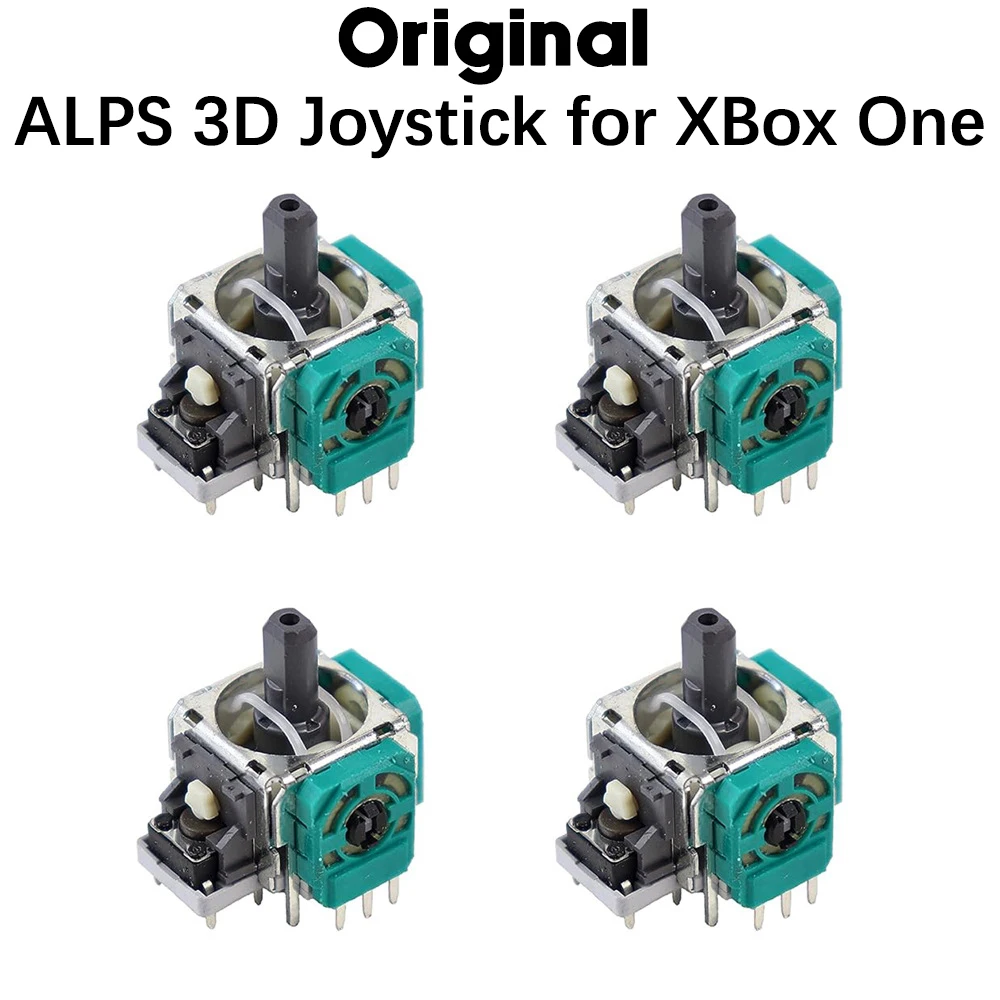
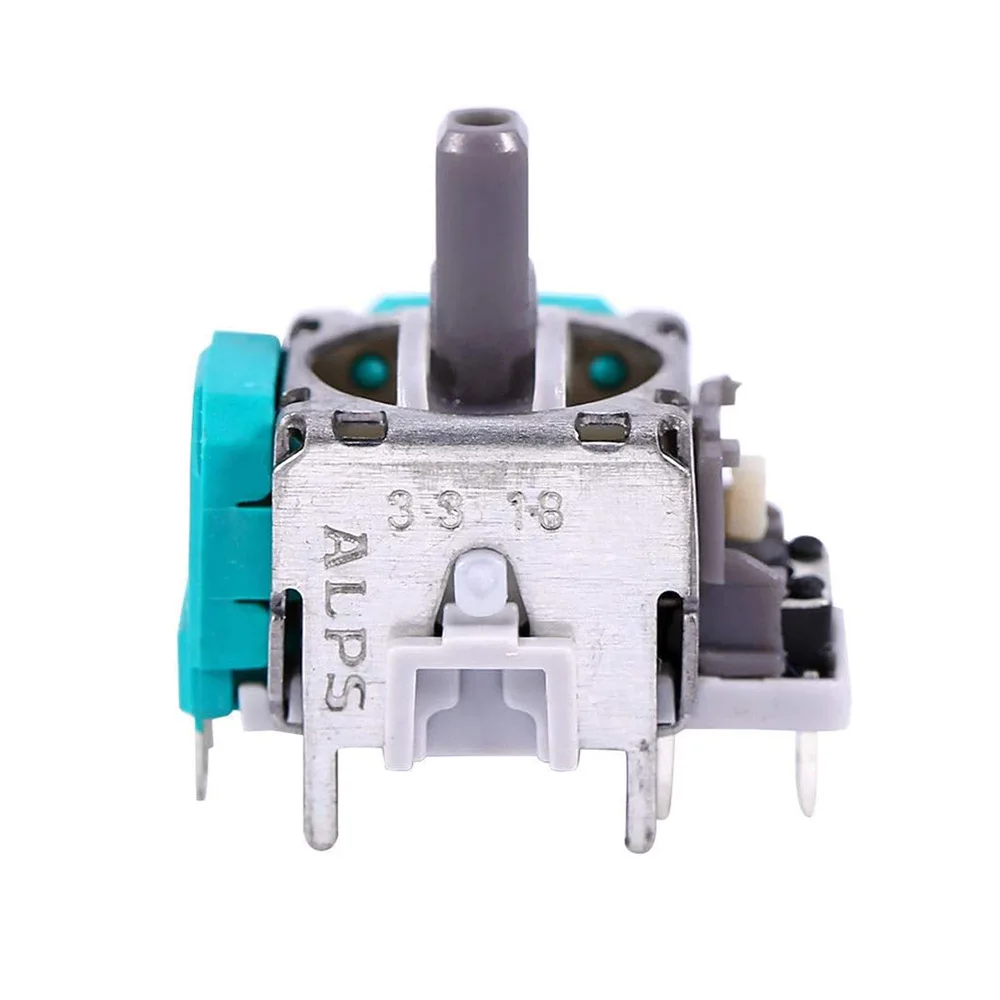
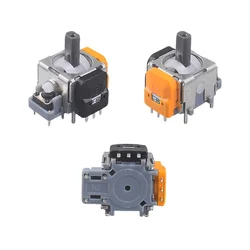
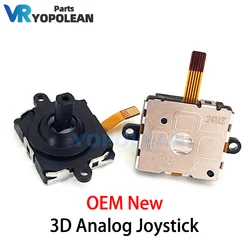
Original NEW ALPS 3D Joystick. Microsoft explicitly advises recalibration after hardware modifications to ensure compatibility it is recommended to recalibrate the thumbsticks after replacing them on your Xbox controller. Here's the detailed guidance: Microsoft Official Calibration Tool Use the Xbox Accessories app to recalibrate the thumbsticks:
On your console, open the guide, go to Settings > Devices & connections > Controllers & headsets, and launch the app
On PC, download the app from the Microsoft Store and connect your controller
Select the affected thumbstick (left/right), follow the on-screen instructions to complete the calibration.
Note: This tool is currently only available for Xbox Wireless Controllers
System-Level Calibration (Advanced) In Device Manager, locate your controller, right-click, and choose Properties.
Under the Driver tab, use the Game Controller Settings to manually adjust axis calibration
Key Considerations
Backup Configurations: Before recalibration, back up your controller settings to avoid losing customizations
Steam Platform: After calibration, adjust the Deadzone parameters in Steam settings to fine-tune input sensitivity
Test Thoroughly: Use FPS games to verify steering accuracy post-calibration
Limitations: This tool may not resolve severe drift caused by normal wear or hardware failure
. If issues persist, consider replacing the controller or contacting Microsoft Support.
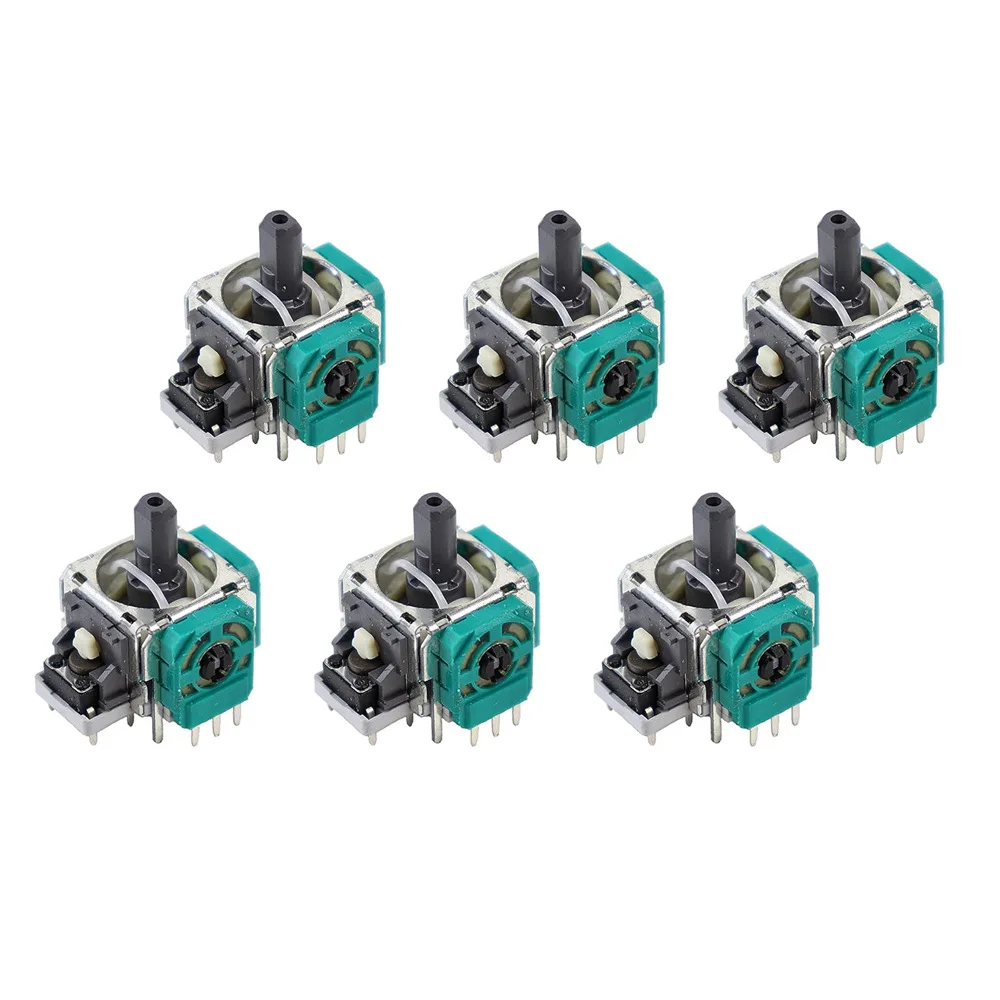
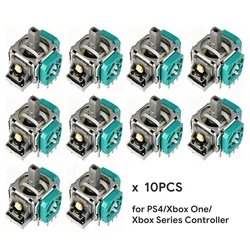
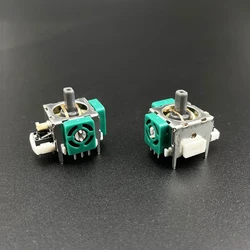
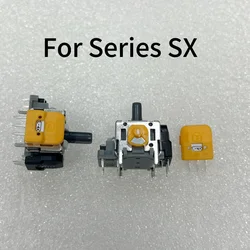
for Xbox One, Xbox One Slim ,Xbox One X Scorpio , Elite Xbox Series S, Xbox Series X. Replacement XBox Series S/X Joystick Potentiometer
Se questo articolo arriva dopo la data di consegna indicata al momento del pagamento, ti verrà inviato via e-mail un buono di credito di 6,00 € da utilizzare per il tuo prossimo ordine