
Custodie per telefoni
Caricabatterie e cavi
Gioco d'azzardo
Gadget
Custodie per tablet e iPad
Il tuo account
linguaggio
Attività commerciale
Dati del telefono
Contattaci
4.1 Google Shopping Valutazione Oltre 2 milioni di clienti dal 2013 Con sede in Europa Ordine di consegna gratuito terminato €20+

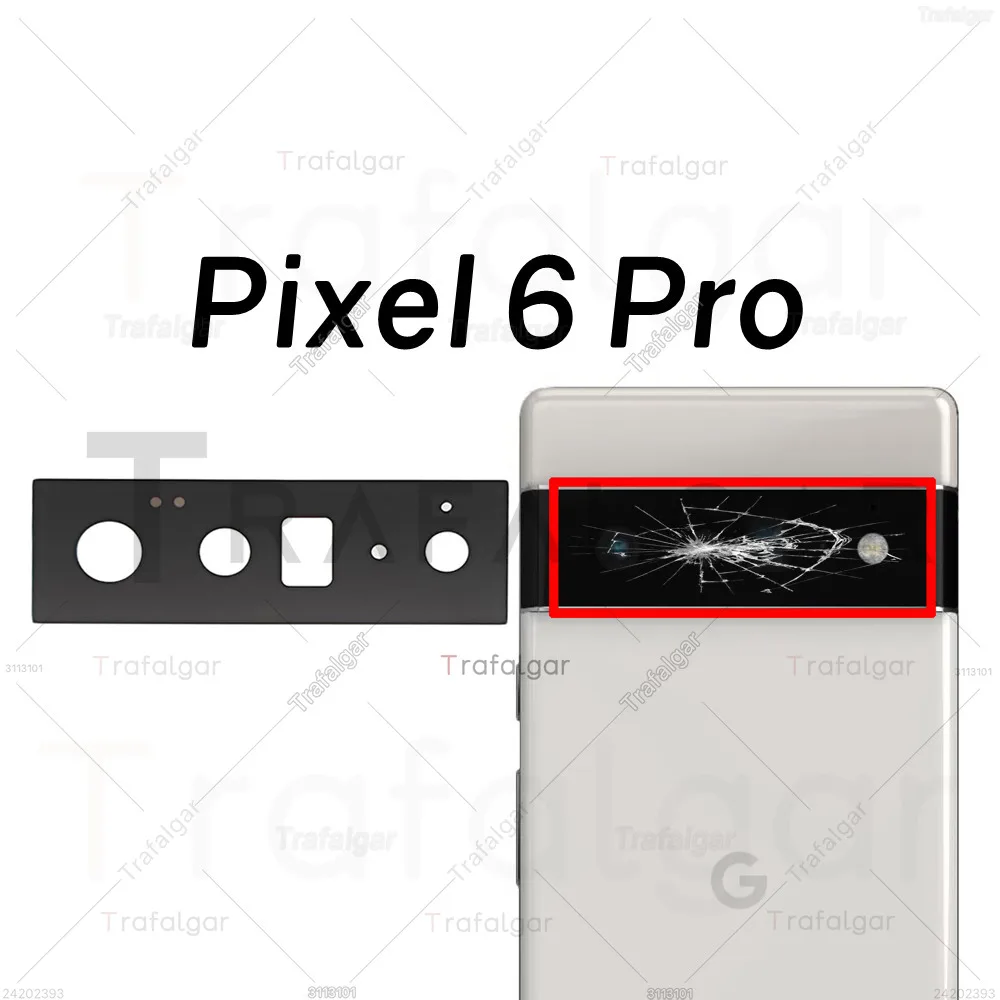
Premium Rear Camera Glass Lens Replacement with Adhesive (Pixel 6 Pro)

Premium Rear Camera Glass Lens Replacement with Adhesive
Colore: Pixel 6 Pro
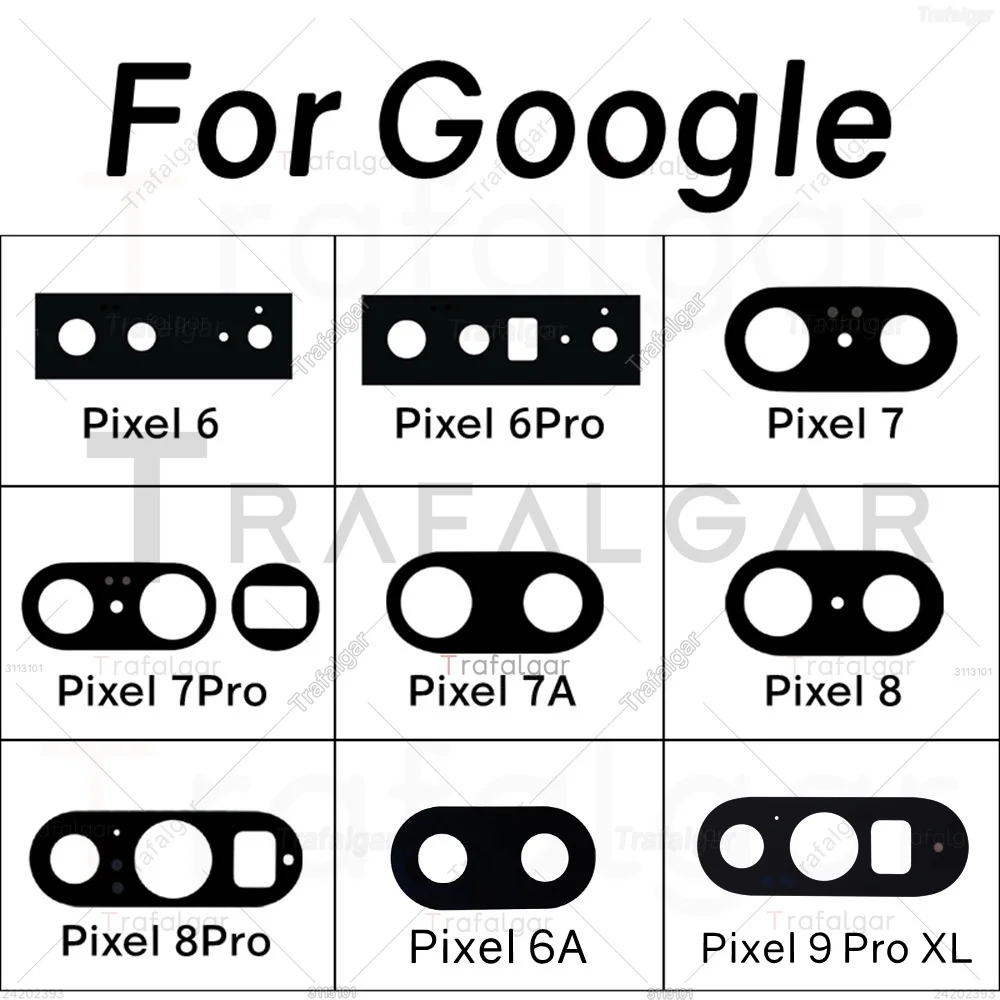
Pixel 10 Pixel 10 Pro Pixel 10 Pro XL Pixel 10A Pixel 6 Pixel 6 Pro Pixel 6A Pixel 7 Pixel 7 Pro Pixel 7A Pixel 8 Pixel 8 Pro Pixel 8A Pixel 9 Pixel 9 Pro Pixel 9 Pro XL Pixel 9A

🪞 Rear Back Camera Glass Lens Replacement for Google Pixel Models

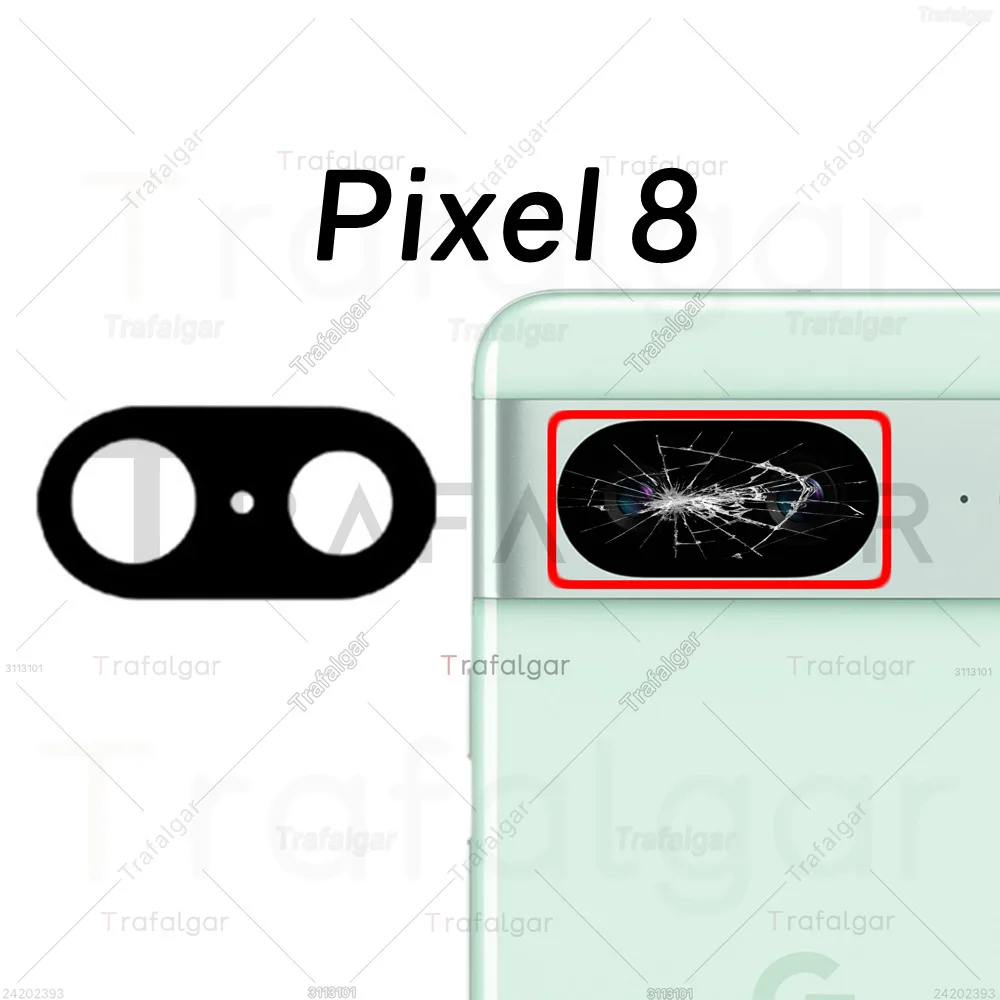
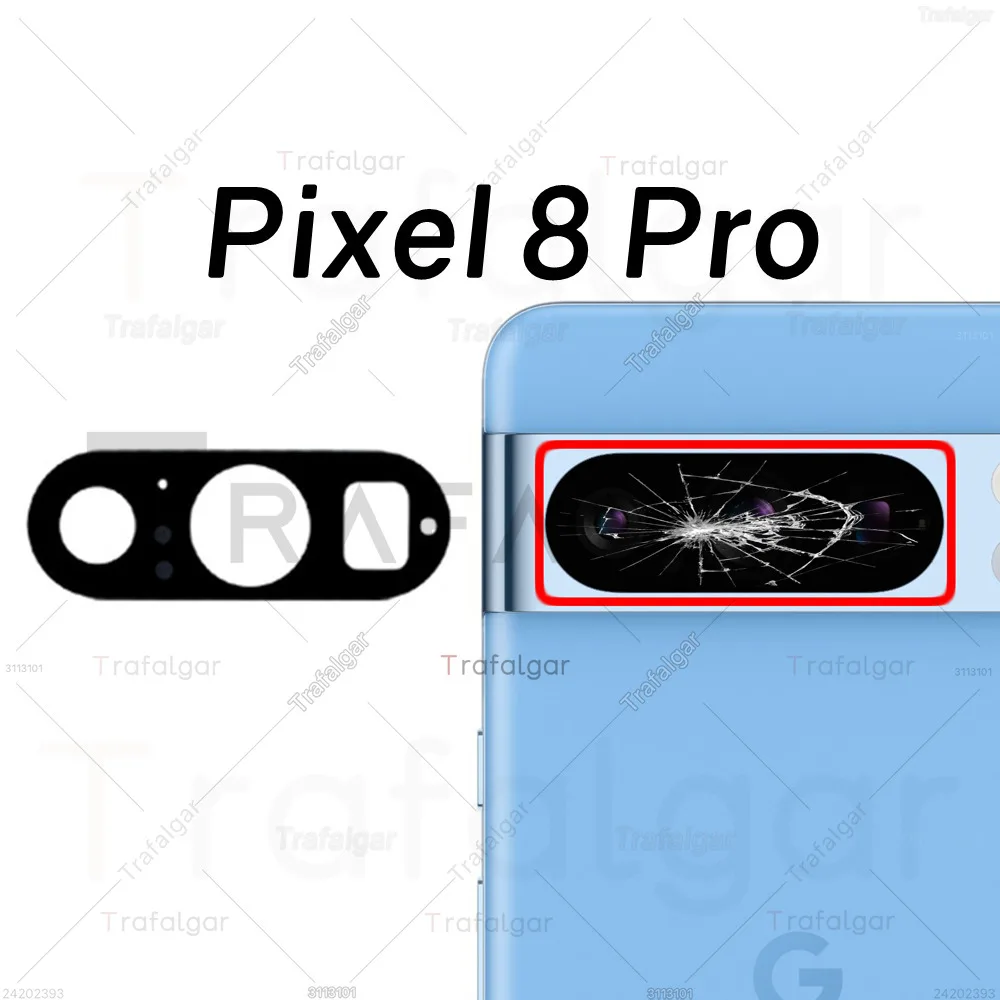
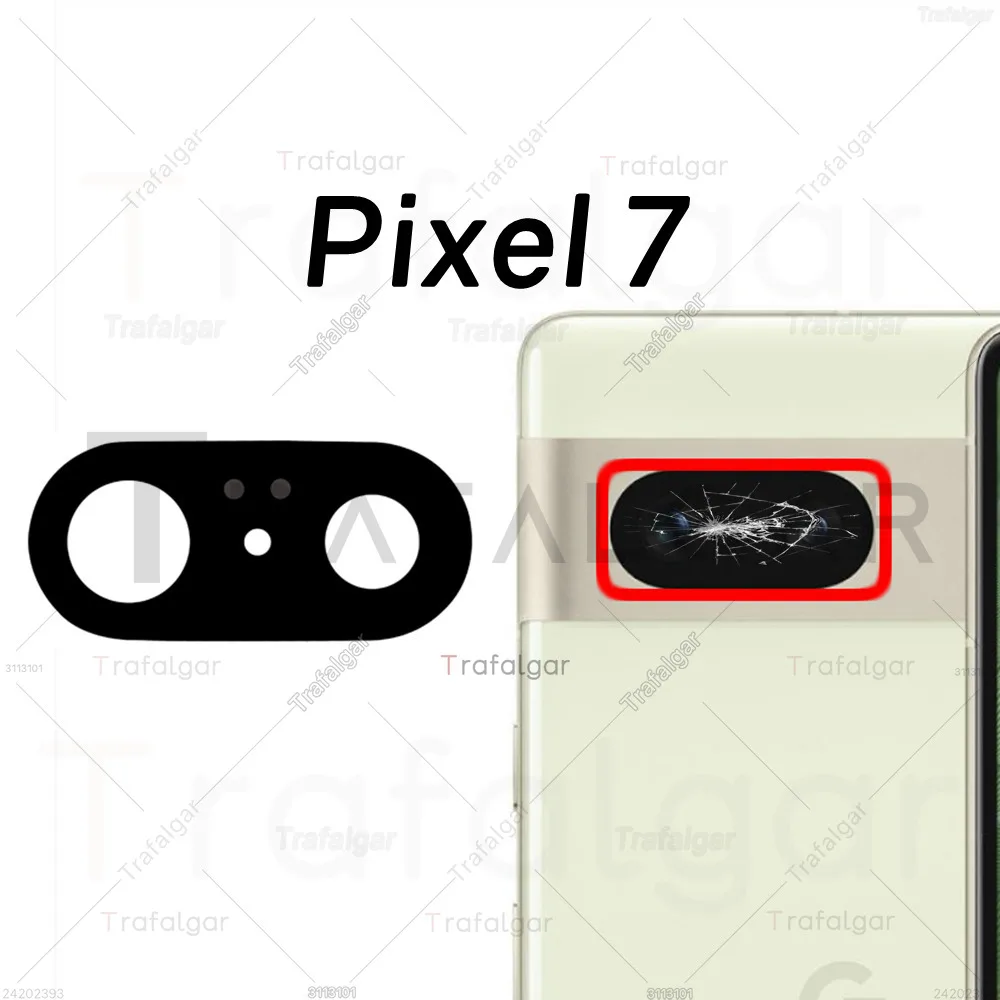
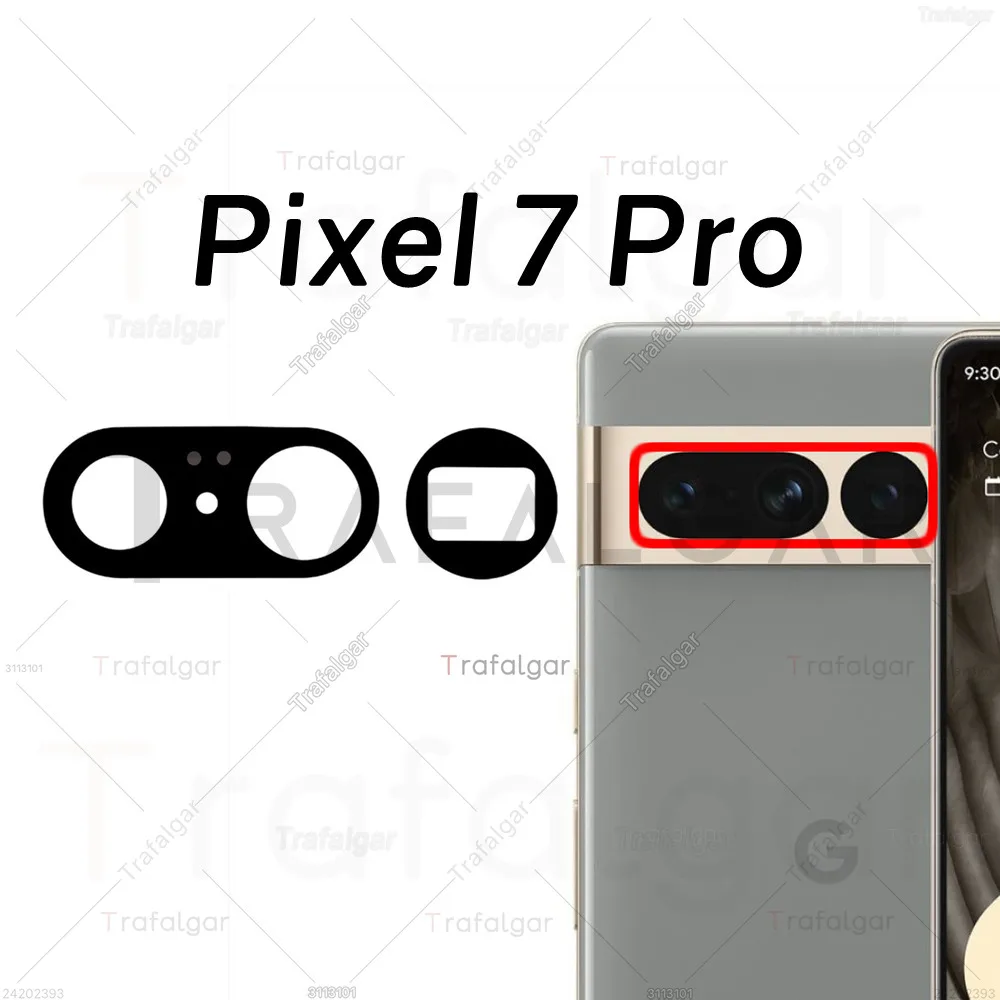
🪞 Enhance and protect the camera functionality of your Google Pixel smartphones with our premium Rear Back Camera Glass Lens. This replacement lens is specifically designed for the following models: Google Pixel 6, 6A, 7, 7A, 8, 8A, 9, 9A, 10, 10A, and 11 Pro XL. Crafted from high-quality tempered glass, it provides a robust shield against scratches, dirt, and minor impacts, ensuring that your camera remains in pristine condition.

🎨 Our replacement lens not only restores the aesthetic appeal of your device but also helps maintain the clarity and performance of your pictures and videos. The lens is engineered for seamless integration with your device, making it an essential accessory for anyone looking to preserve the functionality and look of their smartphone.

Installation Instructions:

🪞 To successfully replace your damaged camera glass, please follow the steps outlined below:

  • Before you start, ensure your phone is powered off and the battery is removed for safety.
  • Use a heat gun or hairdryer to gently warm up the adhesive on the existing camera lens; this will make removal easier.
  • Exercise caution while handling the camera sensor and surrounding components to avoid any damage.
  • Apply a small amount of adhesive to the new camera lens before positioning it over the camera sensor.
  • Press down firmly on the new lens with a credit card or flat object to ensure it adheres properly.
  • Once installed, power on your phone and test the camera to confirm that everything is functioning smoothly.

🪞 Revitalize your Google Pixel and capture stunning images again with our reliable Rear Back Camera Glass Lens replacement! Enjoy peace of mind knowing your camera is well-protected and ready for every moment.